
Never Lose a Save: Automatic Backups Every Time You Play
 HollowTip of GameSave Staff
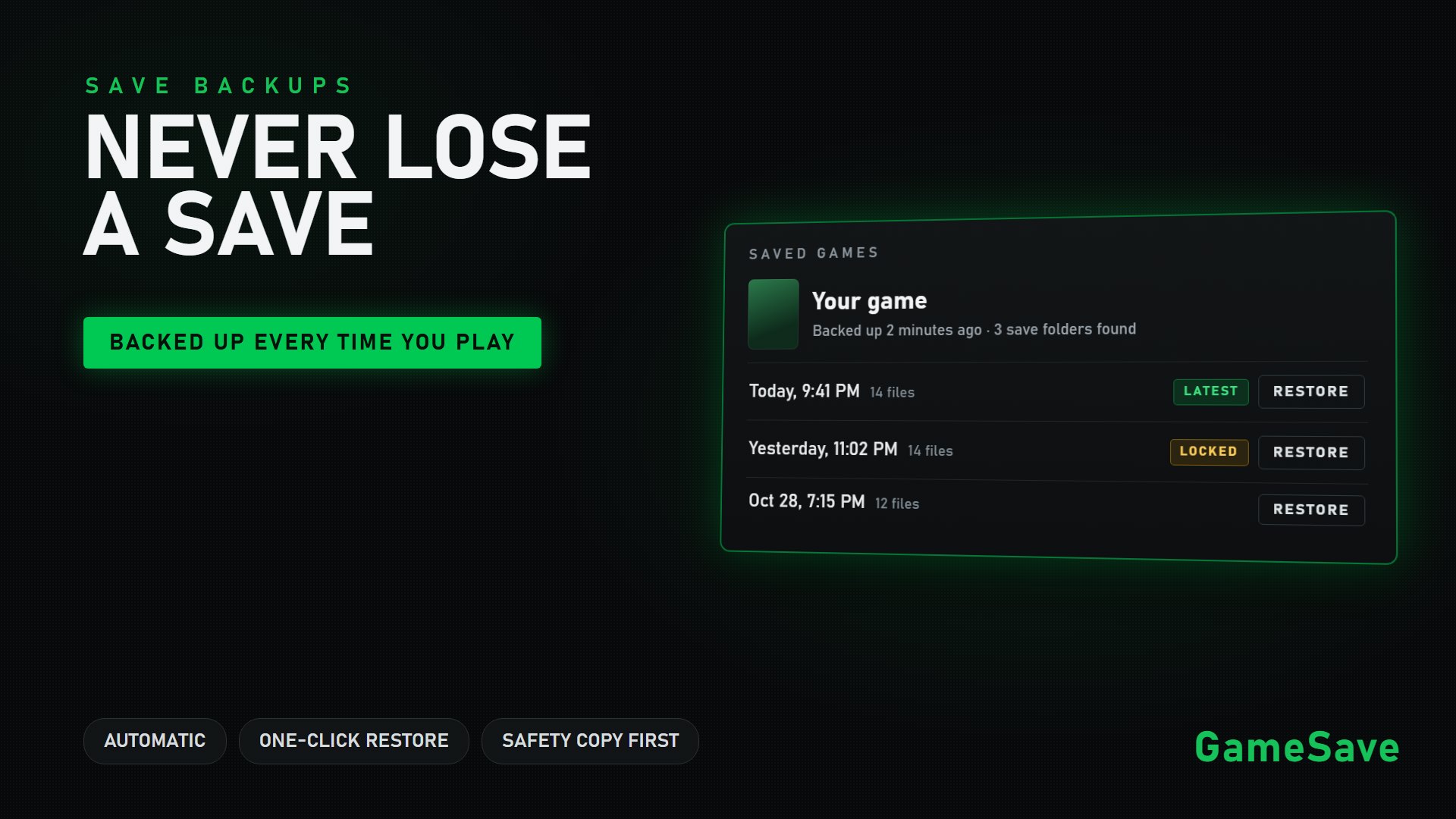
Losing hours of progress to a corrupted save is one of the worst feelings in gaming. GameSave makes sure it never has to happen to you.
Backed up the moment you stop playing
Every time you close a PC game, GameSave finds that game's save files and takes a fresh backup of anything that changed. It looks everywhere games like to keep their saves: your Documents folder, AppData, LocalLow, Steam Cloud folders, the game's own install folder, and even saves stored in the Windows registry. If nothing changed since last time, it skips the backup, so it never wastes space.
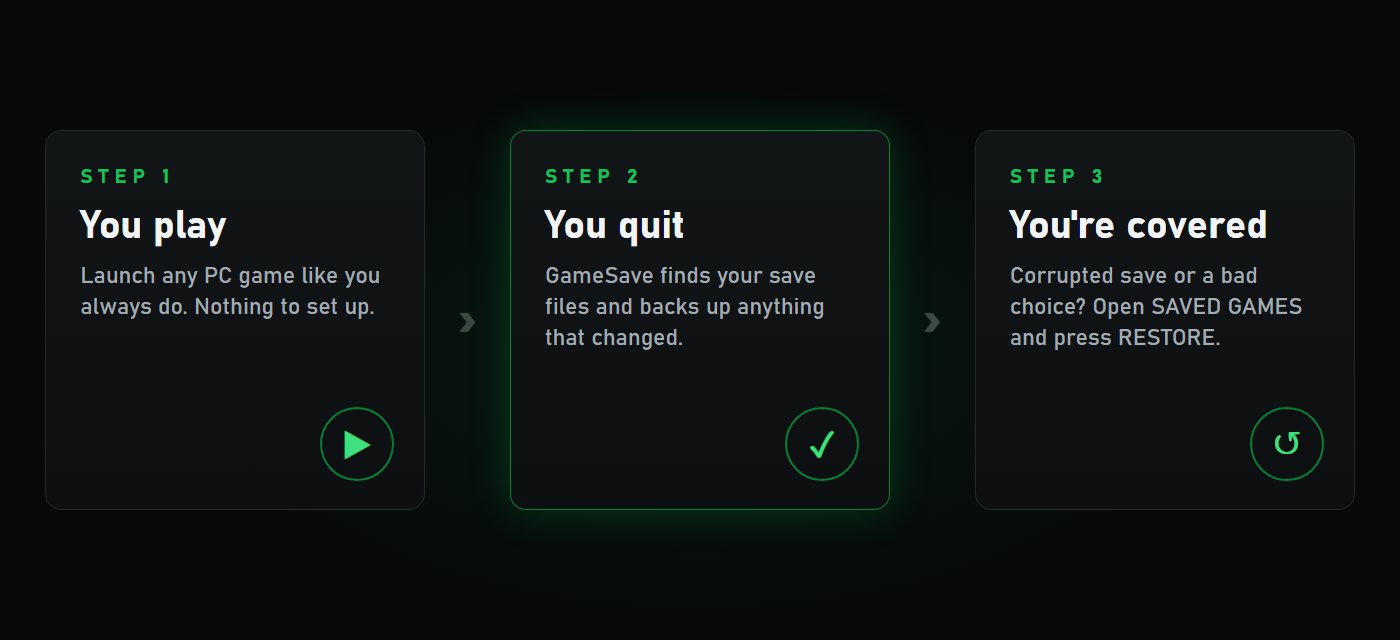
It is switched on from the moment you install GameSave. There is nothing to set up.
One click to bring a save back
Select any game on the Games page and press SAVED GAMES to see its backups. Pick one and press RESTORE. Before anything is replaced, GameSave first makes a safety copy of the saves you have right now, so even a restore can be undone.
You stay in control
- Turn backups on or off for all your games at once, or for just one game.
- Point GameSave at a game's save folder yourself if it keeps its saves somewhere unusual.
- GameSave Pro keeps your last three backups of every game instead of one, and lets you lock a backup you never want deleted.
Play hard. Your saves are covered.