
← All GameSave news recon of GameSave Staff
 Prestij II
New feature
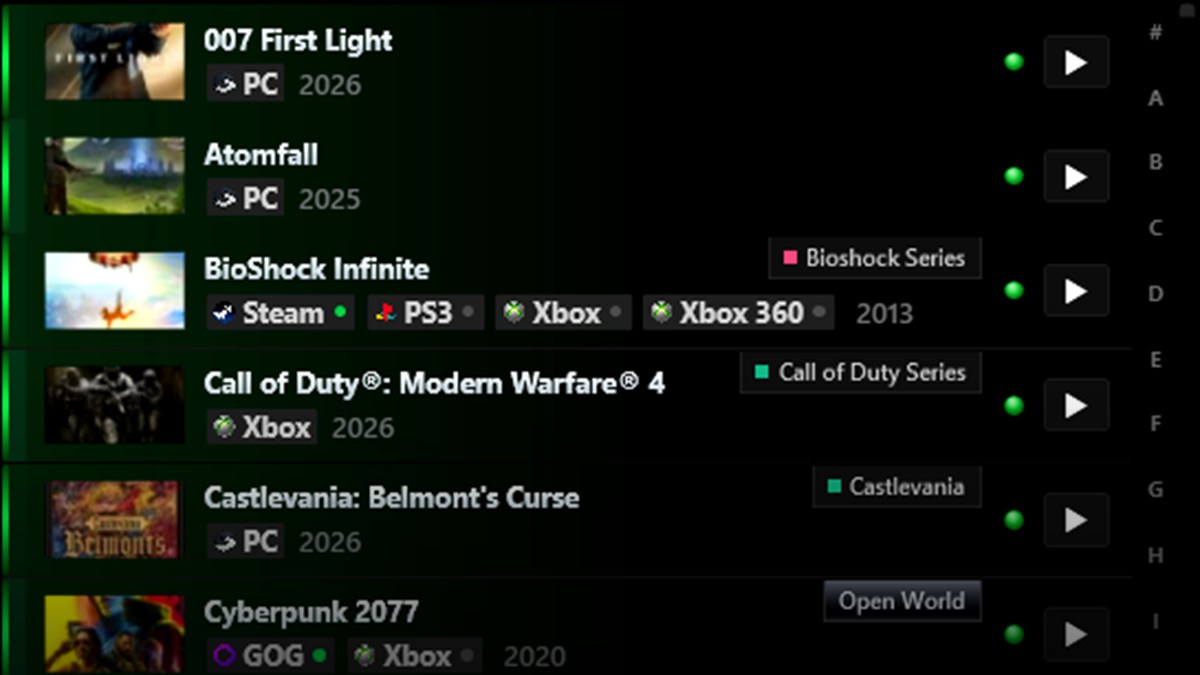
Remove games, and take your library everywhere
recon of GameSave StaffPrestij IIYou can now remove any game from the Games page: right-click it and choose MANAGE GAME. Changed your mind? Bring it back any time from Settings > REMOVED GAMES, history included.
Your game edits, collections and removed games now follow your account, so every PC you sign in on shows the same library.