
← All GameSave news recon of GameSave Staff
 پرستیژ I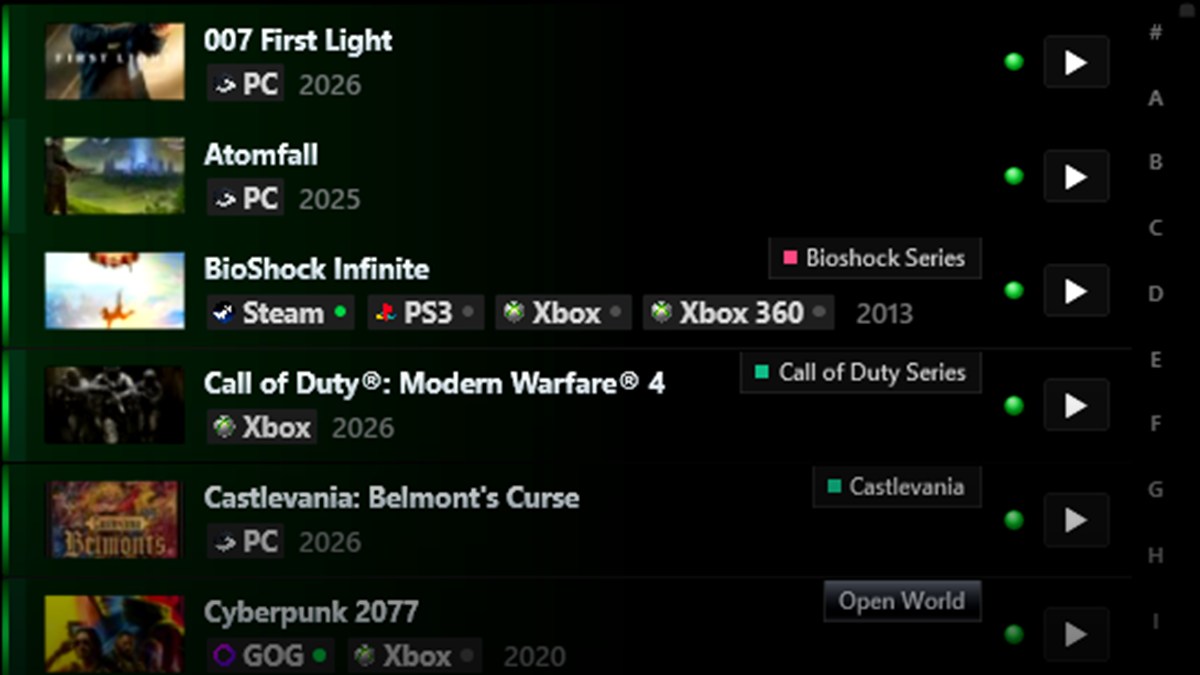
New feature
Remove games, and take your library everywhere
recon of GameSave Staffپرستیژ IYou can now remove any game from the Games page: right-click it and choose MANAGE GAME. Changed your mind? Bring it back any time from Settings > REMOVED GAMES, history included.
Your game edits, collections and removed games now follow your account, so every PC you sign in on shows the same library.